Routing
Routing in ASP.NET MVC
Routing is the mechanism that determines how an incoming HTTP request is mapped to a specific controller and action method. This functionality is provided by the System.Web.Routing namespace.
It is important to note that System.Web.Routing is not exclusive to ASP.NET MVC. It is part of the core ASP.NET runtime and was officially introduced with .NET Framework 3.5 SP1.
Although routing is heavily used by ASP.NET MVC, it is also utilized by other technologies such as ASP.NET Dynamic Data.
In an MVC application, routing plays a crucial role in directing requests to the correct controller. Routes are typically defined in the Global.asax file during application startup.
Global.asax and Application Start
Below is the code from the Application_Start event in Global.asax for the MVC application created earlier:
using System; using System.Collections.Generic; using System.Linq; using System.Web; using System.Web.Mvc; using System.Web.Routing; namespace MVCFirstApp { public class MvcApplication : System.Web.HttpApplication { protected void Application_Start() { AreaRegistration.RegisterAllAreas(); RouteConfig.RegisterRoutes(RouteTable.Routes); } } }
This code registers all application routes when the application starts.
RouteConfig Class
The RouteConfig class contains a static method named RegisterRoutes, which is responsible for defining all routes.
using System; using System.Collections.Generic; using System.Linq; using System.Web; using System.Web.Mvc; using System.Web.Routing; namespace MVCFirstApp { public class RouteConfig { public static void RegisterRoutes(RouteCollection routes) { routes.IgnoreRoute("{resource}.axd/{*pathInfo}"); routes.MapRoute( name: "Default", url: "{controller}/{action}/{id}", defaults: new { controller = "Home", action = "Index", id = UrlParameter.Optional } ); } } }
Default Route Explanation
Routes map URLs to specific controller actions. An action is simply a method inside a controller.
The default route follows this pattern:
/{controller}/{action}/{id}
The first segment represents the controller name
The second segment represents the action method
The third segment is an optional parameter (usually an ID)
If no controller or action is specified, MVC uses the default values:
Controller → Home
Action → Index
Understanding Routes
MVC applications use the ASP.NET routing system, which decides how URLs map to controllers and actions.
When Visual Studio creates the MVC project, it adds some default routes to get us started. When you run your application, you will see that Visual Studio has directed the browser to port 63664. You will almost certainly see a different port number in the URL that your browser requests because Visual Studio allocates a random port when the project is created.
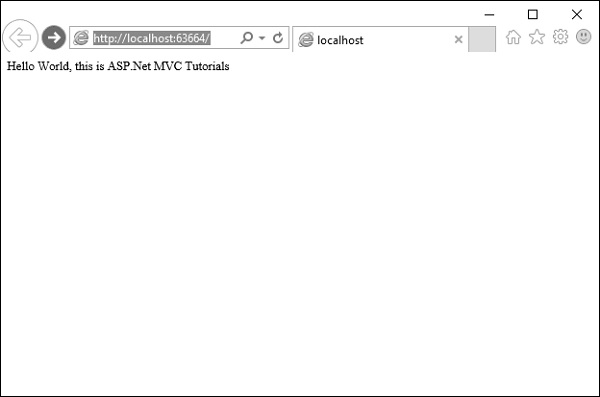
In the last example, we have added a HomeController, so you can also request any of the following URLs, and they will be directed to the Index action on the HomeController.
http://localhost:63664/Home/
http://localhost:63664/Home/Index
When a browser requests http://mysite/ or http://mysite/Home, it gets back the output from HomeControllers Index method.
You can try this as well by changing the URL in the browser. In this example, it is http://localhost:63664/, except that the port might be different.
If you append /Home or /Home/Index to the URL and press Enter button, you will see the same result from the MVC application.
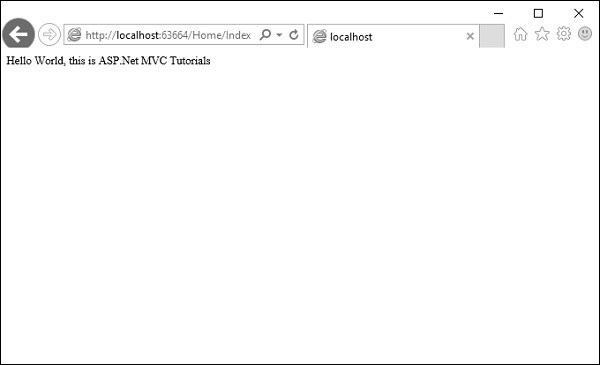
As you can see in this case, the convention is that we have a controller called HomeController and this HomeController will be the starting point for our MVC application.
The default routes that Visual Studio creates for a new project assumes that you will follow this convention. But if you want to follow your own convention then you would need to modify the routes.
Custom Routing Convention
You are not limited to default routes. If your application requires a different URL structure, you can define custom routes.
Example: Custom Route for Process Page
routes.MapRoute( "Process", "Process/{action}/{id}", defaults: new { controller = "Process", action = "List", id = UrlParameter.Optional } );
This route directs URLs like:
/Process/Action/Id
to the ProcessController, with List as the default action.
Complete RouteConfig with Custom Route
using System; using System.Collections.Generic; using System.Linq; using System.Web; using System.Web.Mvc; using System.Web.Routing; namespace MVCFirstApp { public class RouteConfig { public static void RegisterRoutes(RouteCollection routes) { routes.IgnoreRoute("{resource}.axd/{*pathInfo}"); routes.MapRoute( "Process", "Process/{action}/{id}", defaults: new { controller = "Process", action = "List", id = UrlParameter.Optional } ); routes.MapRoute( name: "Default", url: "{controller}/{action}/{id}", defaults: new { controller = "Home", action = "Index", id = UrlParameter.Optional } ); } } }
Step 1 − Run this and request for a process page with the following URL http://localhost:63664/Process
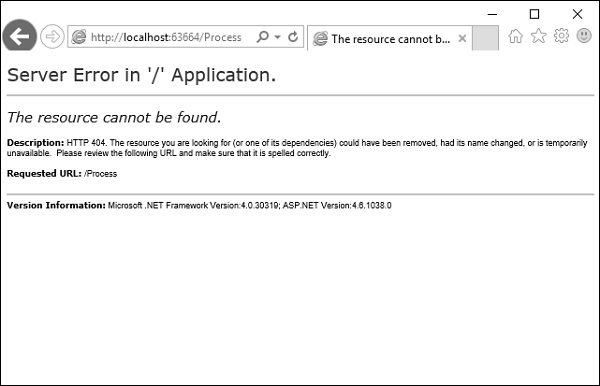
You will see an HTTP 404, because the routing engine is looking for ProcessController, which is not available.
Step 2 − Create ProcessController by right-clicking on Controllers folder in the solution explorer and select Add → Controller.
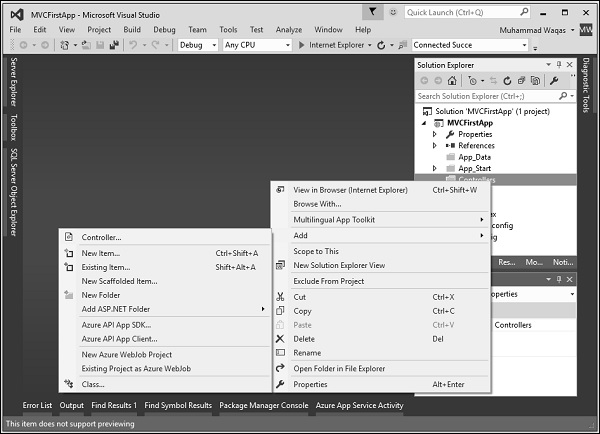
It will display the Add Scaffold dialog.
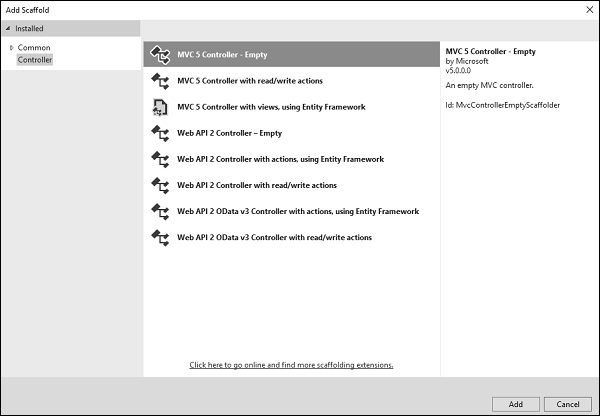
Step 3 − Select the MVC 5 Controller Empty option and click Add button.
The Add Controller dialog will appear.
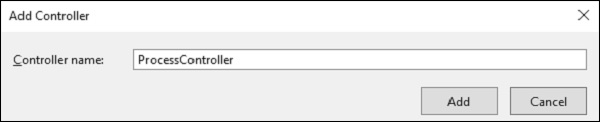
Step 4 − Set the name to ProcessController and click Add button.
Now you will see a new C# file ProcessController.cs in the Controllers folder, which is open for editing in Visual Studio as well.
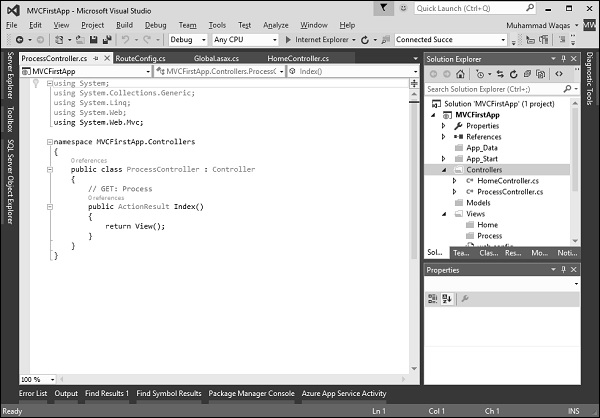
Now our default action is going to be List, so we want to have a List action here instead of Index.
Step 5 − Change the return type from ActionResult to string and also return some string from this action method using the following code.
using System; using System.Collections.Generic; using System.Linq; using System.Web; using System.Web.Mvc; namespace MVCFirstApp.Controllers{ public class ProcessController : Controller{ // GET: Process public string List(){ return "This is Process page"; } } }
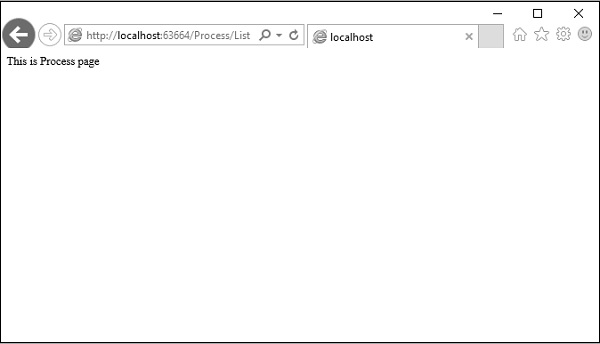
Step 6 − When you run this application, again you will see the result from the default route. When you specify the following URL, http://localhost:63664/Process/List, then you will see the result from the ProcessController.